Project A Overview
Welcome to an in-depth exploration of Project A, a groundbreaking initiative where innovative design techniques were employed to significantly enhance user experience. In this blog post, we’ll delve into the objectives of the project, the challenges encountered along the way, and the effective solutions that were implemented to overcome these hurdles.
Objectives of Project A
Project A was conceived with several key objectives in mind, aimed at revolutionizing the way users interact with our platform. The primary goals included:
- Enhancing User Engagement: To create a more interactive and engaging user interface.
- Improving Accessibility: To ensure that the platform is usable for individuals with varying levels of ability.
- Streamlining Navigation: To simplify the user journey and reduce the time taken to accomplish tasks.
- Boosting Aesthetic Appeal: To design a visually appealing interface that attracts and retains users.
Innovative Design Techniques Used
To achieve the objectives outlined above, we implemented several innovative design techniques that were pivotal in enhancing the user experience. Here are some of the key methods employed:
1. User-Centered Design
User-centered design was at the heart of Project A. We conducted extensive user research to understand the needs, preferences, and pain points of our target audience. This process included:
- Conducting surveys to gather user feedback.
- Utilizing focus groups to discuss user experiences.
- Analyzing user behavior through heat maps and analytics.
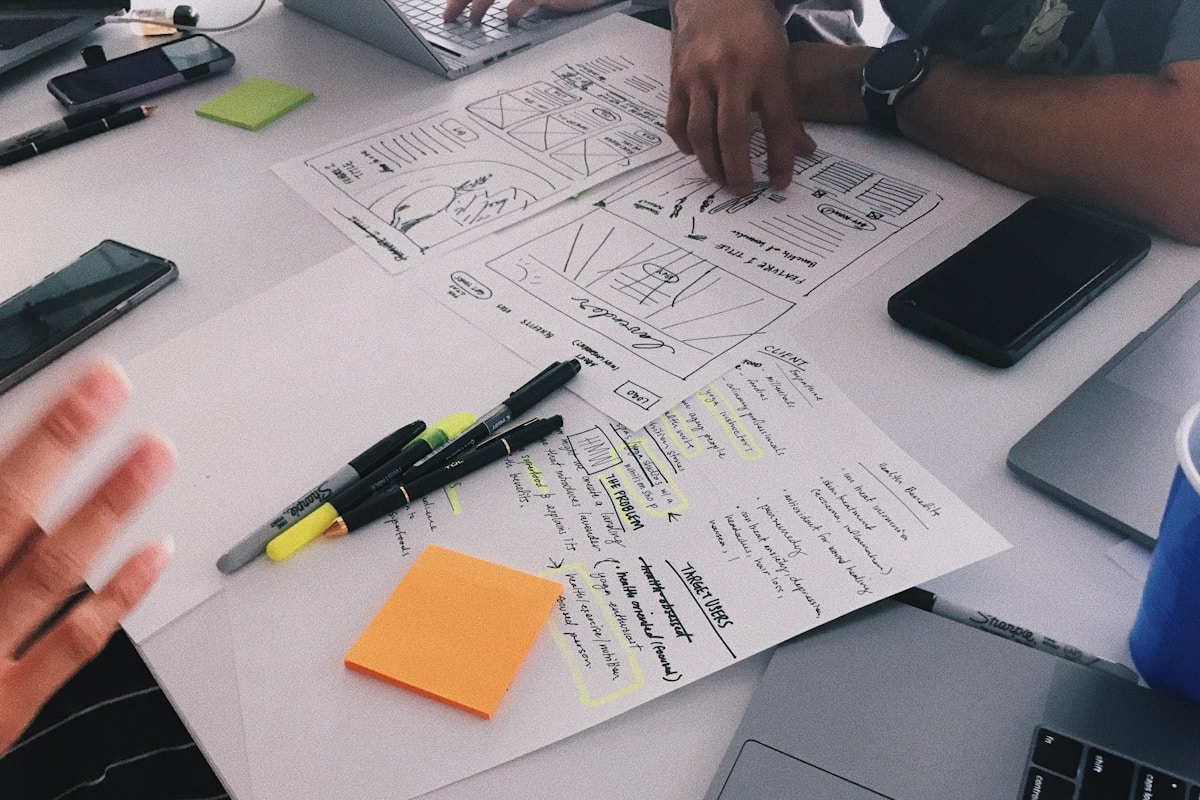
2. Prototyping and Iteration
We adopted an iterative design process, which allowed us to create prototypes and gather feedback continuously. This included:
- Developing low-fidelity wireframes to outline basic layouts.
- Creating high-fidelity prototypes for realistic interaction testing.
- Conducting usability tests to identify areas for improvement.
3. Responsive Design
With the increasing use of mobile devices, responsive design was crucial. We ensured that Project A was functional across various devices by:
- Utilizing flexible grid layouts to adapt to different screen sizes.
- Implementing media queries for tailored styling on mobile, tablet, and desktop.
- Testing on multiple devices to ensure consistent performance.
Challenges Faced During Project A
Despite our best efforts, Project A was not without its challenges. Some of the significant obstacles included:
1. Diverse User Needs
One of the primary challenges was addressing the diverse needs of our user base. Different users had varying levels of technical proficiency and accessibility requirements, making it difficult to design a one-size-fits-all solution.
2. Technical Limitations
We encountered several technical limitations during the development phase, including:
- Compatibility issues with older browsers.
- Performance concerns due to heavy graphics and animations.
- Integration challenges with existing systems and databases.
3. Time Constraints
The project had a tight deadline, which put pressure on the design and development teams. This necessitated efficient time management and prioritization of tasks.
Solutions Implemented
To address the challenges faced during Project A, we implemented several strategic solutions:
1. User Personas and Scenarios
To better cater to diverse user needs, we developed user personas and scenarios. This approach helped us to:
- Visualize different user types and their interactions with the platform.
- Design features that catered to specific user scenarios.
- Make informed design decisions based on user behavior.
2. Agile Development Methodology
To combat time constraints and technical limitations, we adopted an Agile development methodology. This involved:
- Breaking the project into smaller, manageable sprints.
- Regularly reviewing progress and adjusting plans accordingly.
- Encouraging collaboration between design and development teams to streamline processes.
3. Performance Optimization Techniques
To address performance concerns, we implemented various optimization techniques, including:
- Minifying CSS and JavaScript files to reduce load times.
- Using responsive images to ensure quick loading on all devices.
- Implementing lazy loading for non-essential resources.
Conclusion
Project A has been a remarkable journey of innovation and creativity. By utilizing innovative design techniques and addressing challenges head-on, we were able to create a user experience that is not only engaging but also accessible and efficient. The lessons learned from this project will continue to inform our future endeavors as we strive to enhance user experiences across all platforms.